

Extend Community Builder with rich functionality
Community Builder can be extended in many ways with CB add-ons. Mix and add the the set of add-ons you need. They are all well-integrated and play really nicely together to transform your site into a powerful and friendly environment that will fulfil your specific use case..
Everything is GPL v2 licensed, so you can install on all your websites and use forever. Most items can be purchased separately, although your best return on investment would be to purchase one of the paid bundles. You can create a custom bundle of individual add-ons if you only need a few add-ons.
Business Add-ons
Business memberships give you access to all Developer and Professional add-ons including top priority private forum support. Individual add-ons are also available based off business quote and business requirements.
Individual Add-ons
The below add-ons are not included in in Developer or Professional memberships and require a individual membership.

Your Smart Joomla Writing Assistant: Create engaging content faster than ever before. CB Editor Assistant analyzes your text and suggests improvements. With a single click, preview AI-powered suggestions to improve, rewrite, polish, or translate your text — all within Joomla! A Joomla 3, 4 & 5 natively compatible plugin — AI Services Included: No AI account needed. Install and use within a minute!
Developer Add-ons
Developer memberships give you access to the CBSubs Paid Subscriptions Membership solution, CB Package Builder download manager, the new CB SEO plugin, and all Professional add-ons.

Start charging paid subscriptions for users to access your website content. Supports duration based subscriptions, merchandise sales and user donations. Very powerful and flexible solution that supports VAT sales tax, powerful coupon discounting, automated reminder emailing and many more built-in integrations. All inclusive package installs everything for you.

The most powerful and flexible file download solution for Joomla. Transform your digital files into packages that can only be downloaded by authorized users. Joomla ACL is supported along with built in conditions that can be used for download authorization. Easily bundle hundreds of files into a single optimized download. Whether it be to deliver Joomla extensions or custom ZIP files this is the solution for you!

SEO that works with Joomla not against it. Enhance structured data with 149 additional schema types. Bring structured data to all your extensions with menu based Schema.org. Beautify your links on social media with built in article and menu based OpenGraph and X (Twitter) Cards! All of this fits directly into Joomla as if it was always there.

ID Verification made simple and secure through trusted providers like Stripe Identity and Persona. Provide verification on any URL, any menu item, any extension, countries, ip ranges, or even individual articles with ease. With powerful include and exclude options you can be sure only those that need to be verified will be verified.
Professional Add-ons
Professional memberships gives you access to these great add-ons that you can use on all your websites.


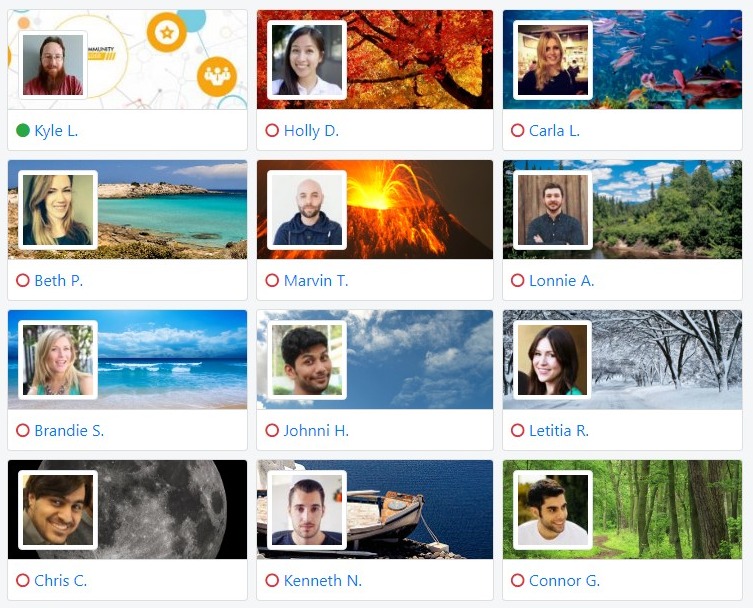

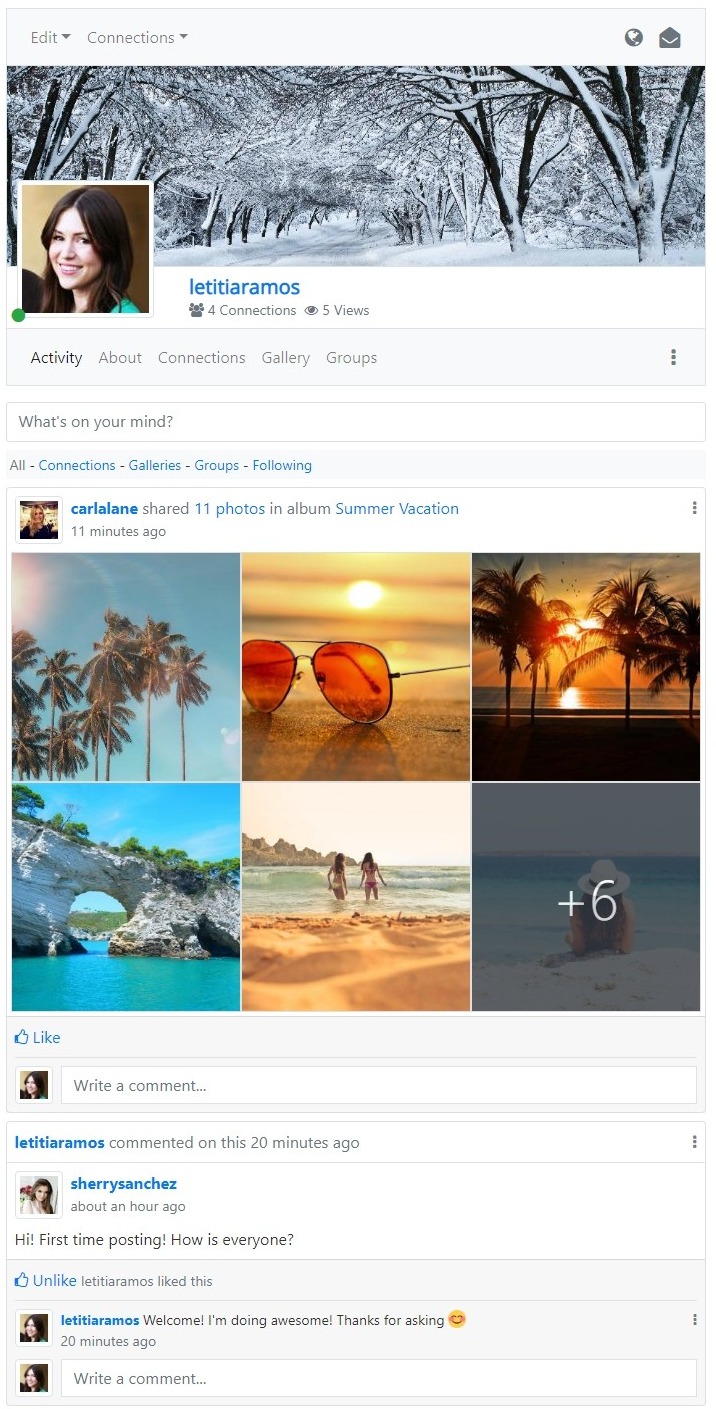
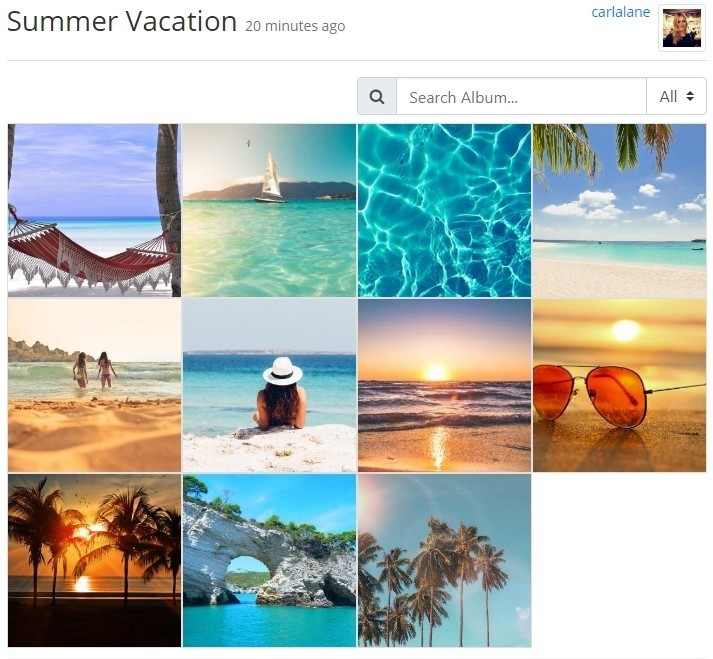
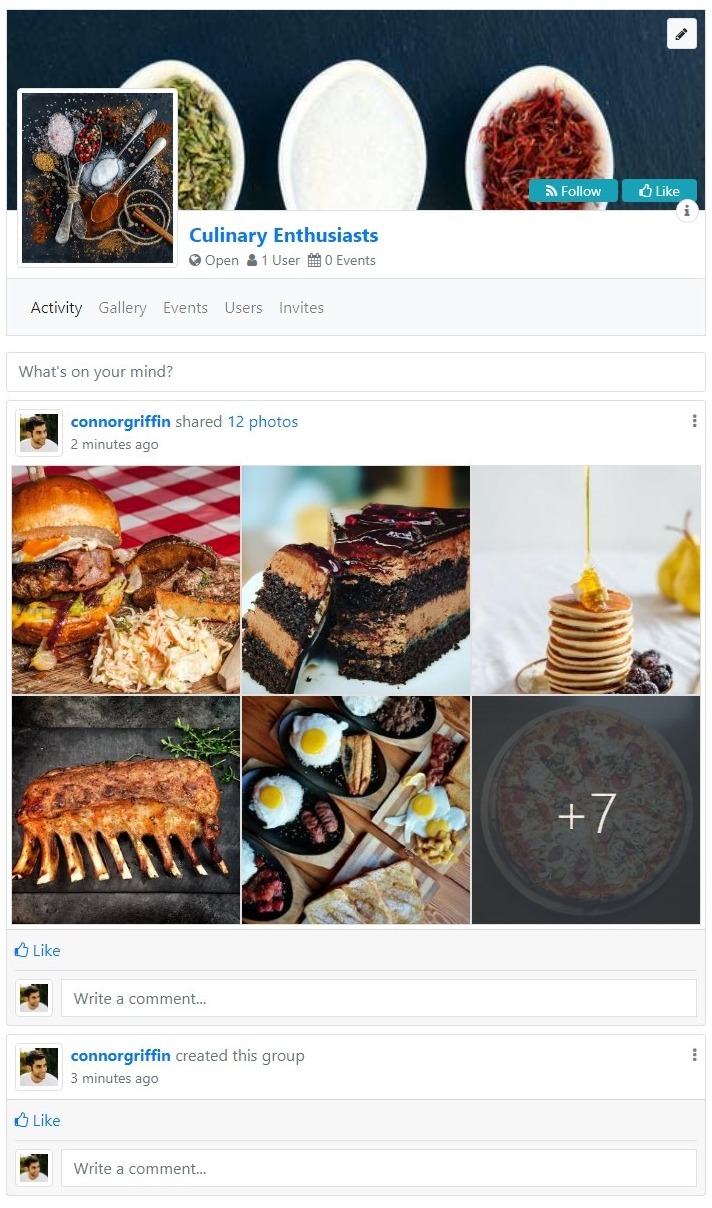
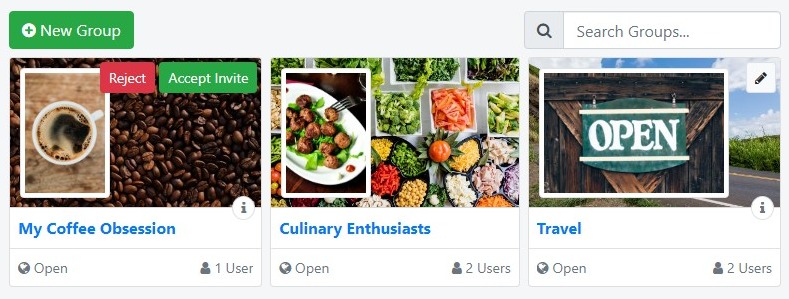
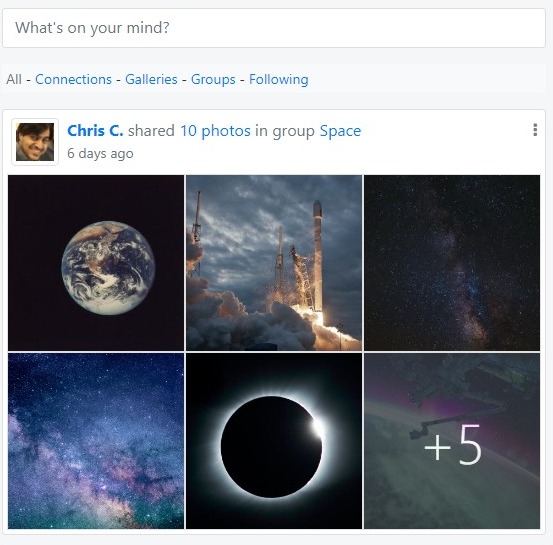
A powerful package including Community Builder, CB Activity, CB Gallery, CB GroupJive, and much more configured for a starter social networking site. Includes many basic fields required for a social site like Birthday, Address, Gender, Religion, Work, Education, and much more. Already defined privacy controls for numerous profile features. This package will surely quickstart your social site!

Authorization to remove all Powered by Community Builder footer links from all your websites for CB 2.x.

Adds interactive streams where users can share their thoughts and happenings and engage in online discussions through comments. Expand your community to all aspects of your site with unlimited activity and comment streams. With built in Likes and Follows functionality you can keep your community interacting. All the features you know and love for posts from your favorite social networks!

Adds powerful multi-media galleries to profiles, articles, and more. Supports Photos, Videos, Files, and Audio from uploaded or externally linked sources. The 6 included templates ensure the perfect design for every site. Beautiful interactive modal windows ensure optimal browsing on every device. The clean inline navigation brings fast responsive experience for your community.

Take your Community to the next social level by empowering your users to organize themselves into common interest groups. Sit back and watch your community interact, socialize and expand by inviting their friends to their groups and your website. Build communities for schools, sports teams, politics, and more!

Extensive privacy controls for members and administrators. Applies to any CB field and CB Tab. Strengthen trust by letting your users configure the privacy level of their profile data. Also lets users disable or delete their own accounts.

Create repeating groups of fields of any type supporting multiple display templates like tables, tags, lists, or even entirely custom. Great way to create lists of phone numbers, email addresses, mailing addresses, golf scores, pet names, certifications and more!

Protect your site from harmful spam and intrusive bots with 10 different customizable captcha modes, simple honeypots, and form timers. With built in spam protection features like duplicate login protection, login sharing protection, duplicate registration protection, access logging, and more you can keep your site safe!

Dynamically show or hide fields or even entire tabs based off other fields, subscription status, custom queries, and much much more! Organize profiles to easily collect a large amount of data in an organic way by only asking for the information that's necessary. Create unique profile types capable of displaying information only relevant to that type or expand profiles progressively with dozens of conditional options by chaining fields together!

Bring external or internal database data directly to profiles with 6 query based fields. Using simple SQL you can build custom drop downs from database data, checkbox fields, radio selections or even custom entire tables of data! Add powerful data driven validation on any field using your own database queries.

Build custom field displays with 6 new code based fields. Using PHP you can build custom drop downs, checkbox fields, radio selections or even insert entire applications! Add powerful code driven validation on any field using your own PHP.

Let hundreds of millions of Facebook, Twitter (X), Google, LinkedIn, Microsoft, Instagram, GitHub, VKontakte, Steam, Reddit, Twitch, StackExchange, Pinterest, Amazon, Yahoo, PayPal, Disqus, WordPress, Meetup, Flickr, Vimeo, LINE, Spotify, and Discord users to directly and comfortably sign-in to your Community Builder powered website using powerful single sign on (SSO)!

Let your community work for you by sending personalized invitation emails to their friends to sign-up on your website or with invite links for sharing. Keep track of invites and even enforce by invite only sign-ups. Easy to configure allowing invites to be customized to your sites needs.

Unlimited automation with trigger, event, or schedule based actions. Configure workflow related tasks around your community without coding. Send emails, private messages, update field values, change Joomla ACL group, execute database queries and much more. This no-code tool can bring new amazing features to any site including custom API endpoints for your apps!
Create powerful custom shortcode replacers utilizing REGEXP, Community Builder Substitutions, and even PHP for usage throughout all of Joomla anywhere content plugins are supported. Custom content inserts have never been easier! With Community Builder support being optional no matter the site you can take advantage of custom shortcodes now!

Bring Community Builder substitutions with you wherever you go! This plugins enables support for substitutions anywhere Joomla content plugins are supported. Quickly and easily embed profile data directly into articles, modules, and more! Personalized content is a great way to keep your community engaged.

Display custom HTML content with optional Community Builder substitution support. Includes support for time based content display, output of custom JavaScript, output of custom CSS, and output of custom jQuery. Completely replace your Joomla HTML modules with an even more powerful module!

Inline editing of profile data made easy! Edit entire tabs, individual fields, or groups of fields directly from profiles, userlists, or anywhere substitutions are supported. With multiple inline edit templates it can fit any design! No more having to edit the entire profile, but instead simply edit field by field as needed.

Add interactivity quickly and easily with profile guestbooks supporting profile reviews, simplified wall posts for two way communication, or even a simple blog! Includes support for rendering all 3 externally through a module anywhere you like.

Encourage profile completeness by keeping track of progress on a per-field basis. Completely customizable display allows for a personalized progress tracker based off your sites design and needs. Track as many fields as you like and combine with other plugins for an even more personalized experience to reward them for completing their profile!

Create simple yet powerful REGEX supported custom 404 redirects to keep your sites links relevant and SEO friendly. The days of creating redirects one by one for individual URLs are gone! Take back control of your 404 redirects!

Bring profiles together by keeping track of views allowing users to see who is interested in their profile! Monitors profile visit counts as well to have an idea of how active a users profile is.

Always guarantee valid email addresses even on profile update by requiring all email address changes to be confirmed. Provide increased security to prevent unwanted email changes to accounts with support to reject email changes. Built in notifications can keep both moderators and users well informed of email changes!

Bring millions of avatars to your community with the power of Gravatar. Help offload server storage for avatars entirely to a free external service. Built in support for multiple gravatar defaults, display settings, and more. Use the users primary email address automatically or allow specifying a separate gravatar specific email address.

Provide per-user profile templates for a unique experience for each profile. Enhance Community Builder with custom built templates using the built in template builder to ensure your sites design and Community Builder come together beautifully!

Send personalized email or private messages to your users when they join your website. Great way to welcome your new users and get them up to speed with your website. Also supports automated connection requests.

Simple yet powerful site wide multi-lingual support powered by Google Translate. Easily translate any page directly from your CB Login Module with support for various Google Translate widget display options. Help reduce manual translation burden with automation!

Monitor profile data changes with complete coverage. Every field change logged in detail! Keep moderators or even the profile owner themselves up to date on what is happening with their profile with built in email notifications.
Free Add-ons
In addition to Community Builder we have the following free add-ons you can download.

Bring Joomla article authors and profiles together by linking author directly to their Community Builder profile. Also automatically adjusts author name to match Community Builder name format! Great way for your users to learn more about specific authors and explore other author related content.

Improve profile discoverability with user profile smart searching. With support for custom fields and substitution supported results display you'll have full control over searching. Integrates cleanly with Joomla smart searching utilizing all of its core features like taxonomy, avatar image display, profile URL display, and more!