Please Log in or Create an account to join the conversation.
 krileon

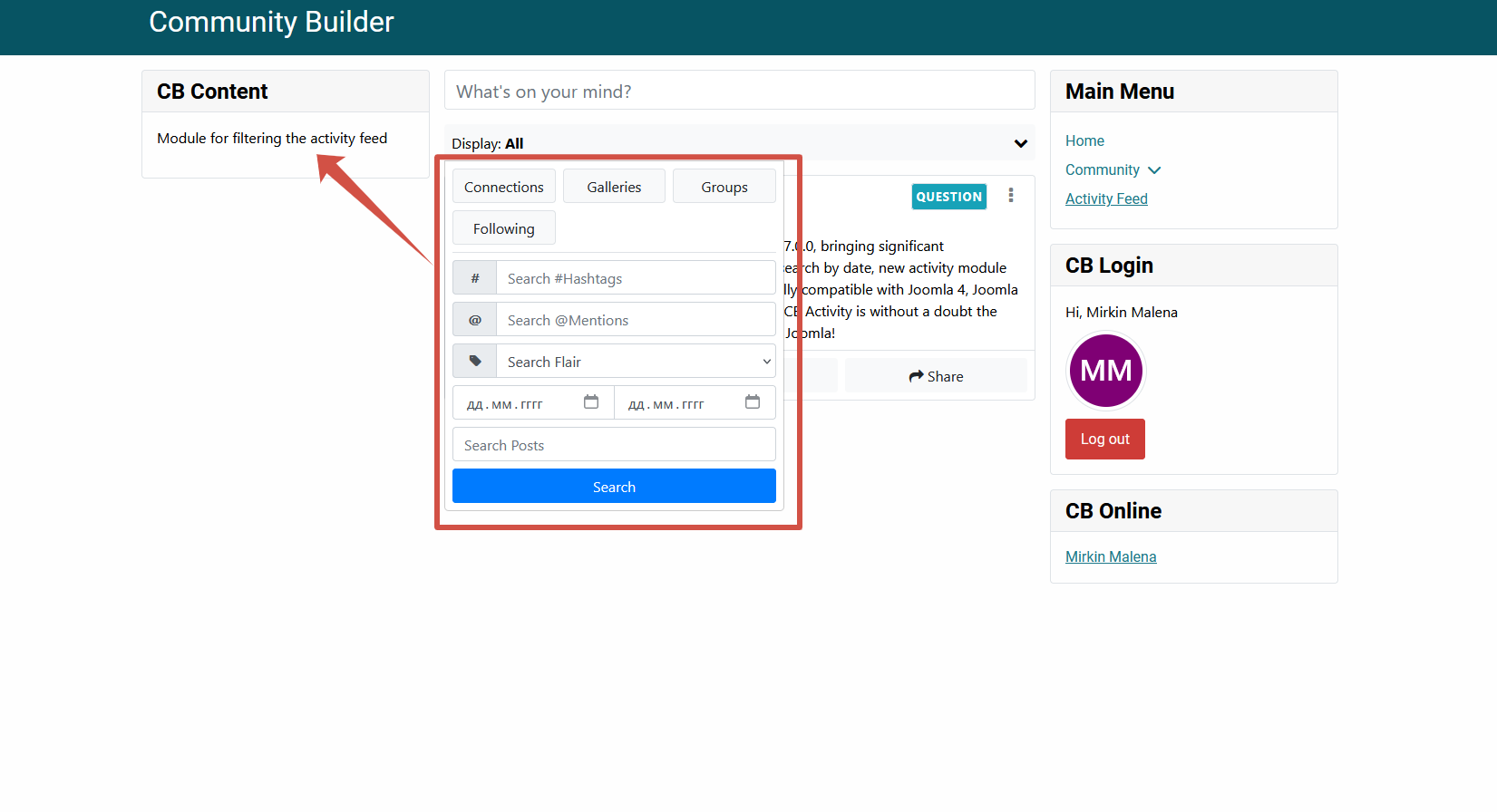
In what way is it not intuitive? Suggestions are certainly welcomed.The standard filter that is built into the activity feed plugin is not very intuitive.
The filter bar shows exactly what you've filtered by. Is there a specific reason you want all the inputs always visible?This way, the filter will always be visible.
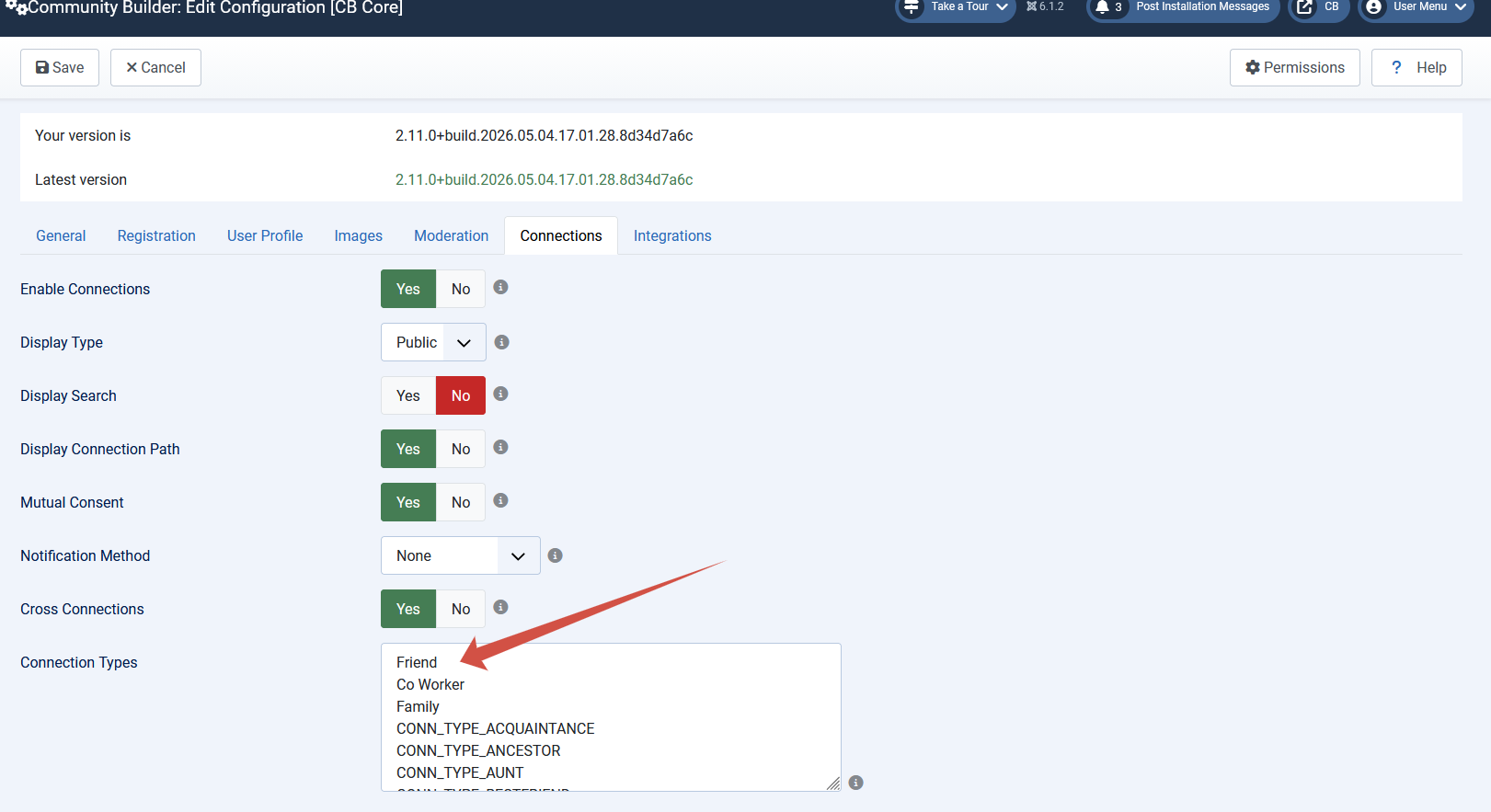
Filters can be applied by GET. So you can create an HTML module and add buttons that link to your CB Activity page and force a filter to be applied. Example as follows.I want to make a filter in the module of links based on different contact types (Friend, Co Worker, Family, etc.)
Please Log in or Create an account to join the conversation.
Please Log in or Create an account to join the conversation.
I want to make a module that's always visible in the sidebar-left position. I want it to stick as the feed scrolls (apply the CSS sticky style to it). This way, users can quickly filter the feed with one click. Currently, they have to go to the top of the feed and click on the filter.The filter bar shows exactly what you've filtered by. Is there a specific reason you want all the inputs always visible?
Please Log in or Create an account to join the conversation.
Please Log in or Create an account to join the conversation.
krileonYou can't directly link to a filter by connection type. That's not an option for streams. You have to use one of the filters you've configured within your activity stream under the Filters tab. All of the "Search By" can also be linked to.Creating a link to filter the feed is a good idea. Tell me how to make a link for Connection Types.
There's nothing stopping you from doing that with the filter bar using CSS. It'd then sticky and scroll with the page. For example the below CSS works on our demo site to make it sticky and be just below the menu bar.I want to make a module that's always visible in the sidebar-left position. I want it to stick as the feed scrolls (apply the CSS sticky style to it). This way, users can quickly filter the feed with one click. Currently, they have to go to the top of the feed and click on the filter.
Filter by flair via GET works as well. Example as follows.I tried to create a module with links for filtering by contacts. I couldn't do it. Can you tell me which links should I use to filter the feed by Flair?
Will investigate further and patch if I find a bug with URL filtering. Isn't really meant to be the main way to interact with filters, but are supposed to work regardless.I tried two options. It doesn't work
Please Log in or Create an account to join the conversation.